⚡ Limited time: Get Agency OS for $99 instead of $175 and save $76
The 10 Best Notion Extensions for Chrome
The 10 Best Notion Extensions for Chrome
The most useful Chrome extensions that integrate seamlessly with Notion tested and loved by the Notion community.

Let’s be honest Chrome is where most of our ideas begin.
A tweet. A blog. A random article at 2 AM that sparks something worth saving.
But switching to Notion every time breaks the flow.
That’s where Notion Chrome extensions come in. They let you capture ideas, notes, or inspiration in seconds straight into your Notion workspace.
In this post, you’ll find the best Notion extensions for Chrome that make your browser feel like part of your second brain.
Let’s be honest Chrome is where most of our ideas begin.
A tweet. A blog. A random article at 2 AM that sparks something worth saving.
But switching to Notion every time breaks the flow.
That’s where Notion Chrome extensions come in. They let you capture ideas, notes, or inspiration in seconds straight into your Notion workspace.
In this post, you’ll find the best Notion extensions for Chrome that make your browser feel like part of your second brain.
1. Save to Notion
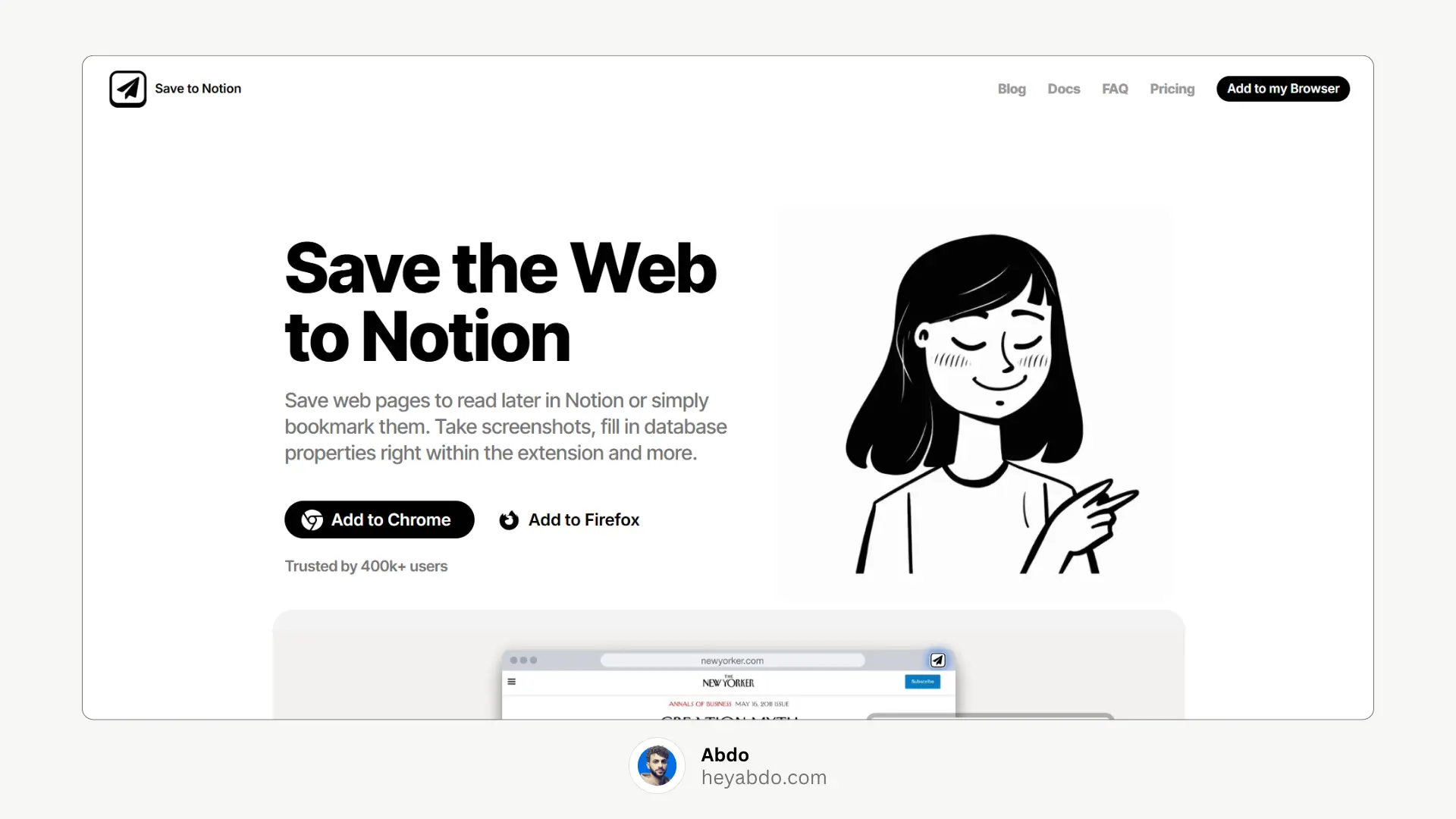
Best for: Advanced clipping and data capture
The classic, community-favorite Chrome extension for Notion users.
Save any web page, highlight, or image directly to a Notion database
Customize what database fields (properties) are filled
Create forms for quick capture
Works with multiple databases
💡 Pro tip: Perfect for content creators tracking articles, videos, or inspiration sources.
2. Official Notion Web Clipper
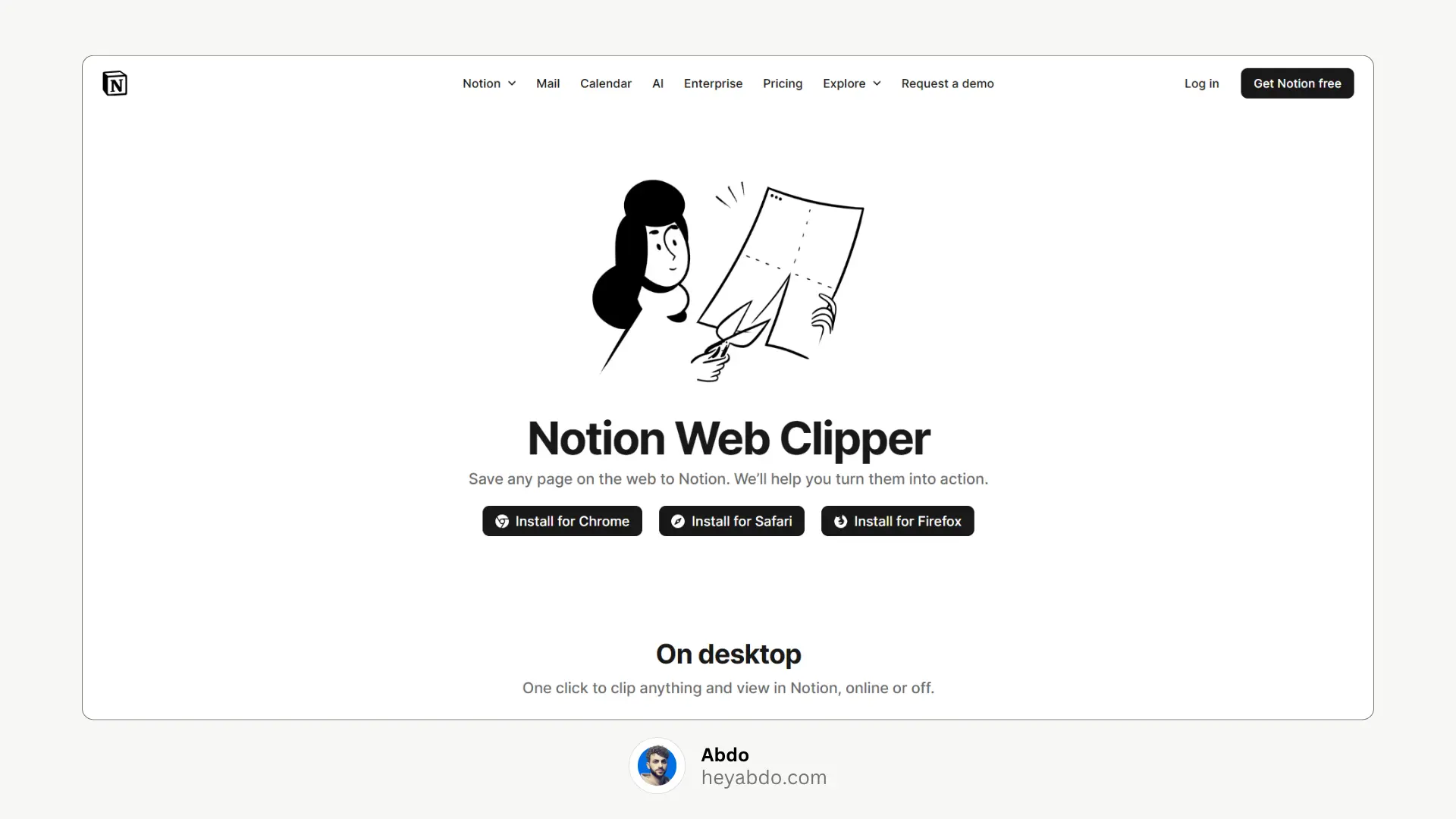
Best for: Simple, official integration
Notion’s own browser extension for Chrome.
Save any web page to your workspace with one click
Automatically includes title + URL
Syncs instantly with your Notion account
⚠️ Limitation: Minimal customization — good for basic use, but not flexible.
3. Flylighter (by Thomas Frank & Team)
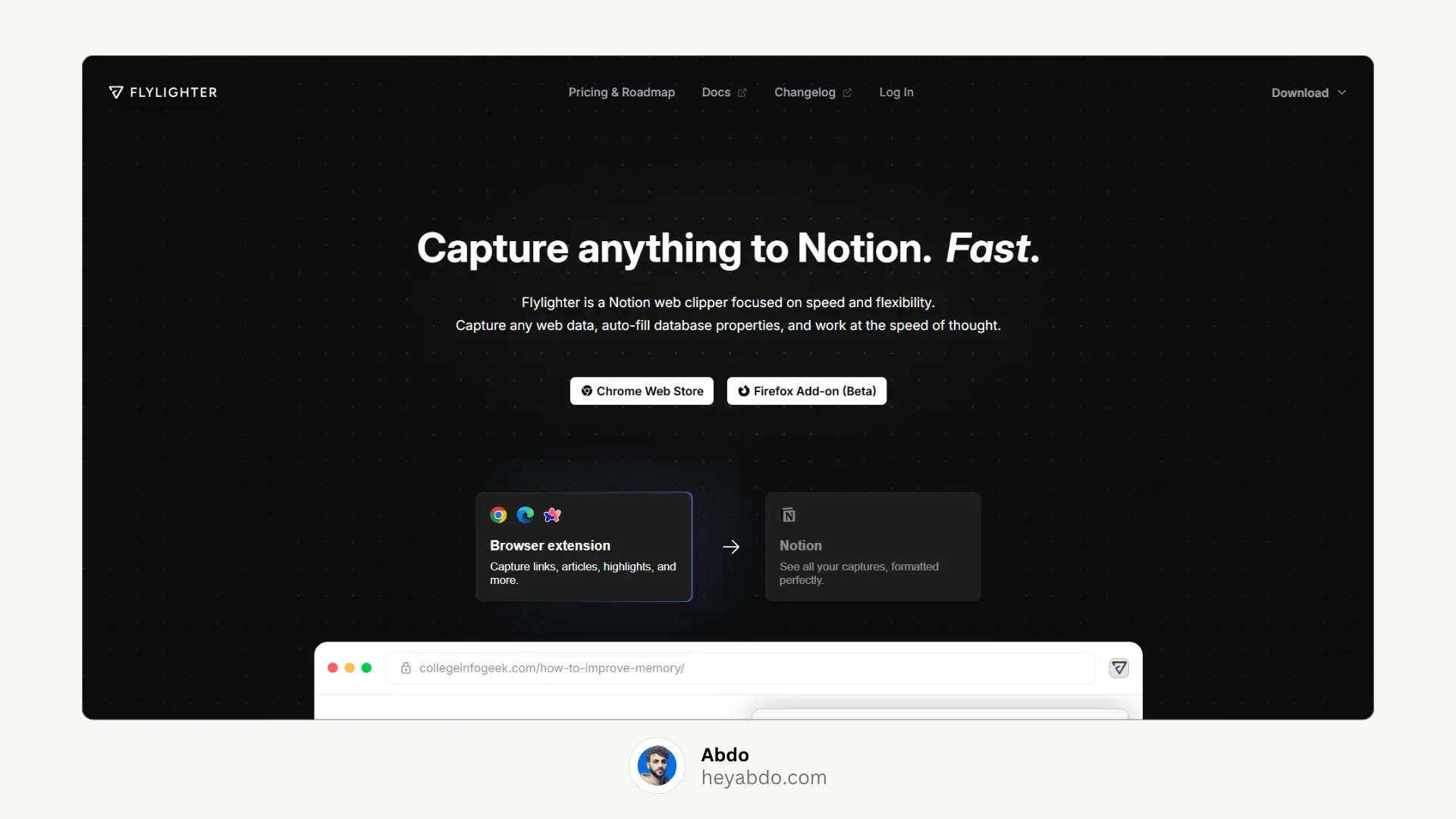
Best for: Research and highlighting
This extension lets you highlight and save key sections from web pages to Notion.
Highlight content and auto-save to a database
Automatically detects and organizes repeated structures (e.g., product specs, blog posts)
Perfect for students, researchers, and writers
🎥 Use case: Highlight quotes or data while researching — they’ll appear organized in Notion.
4. Notion Boost
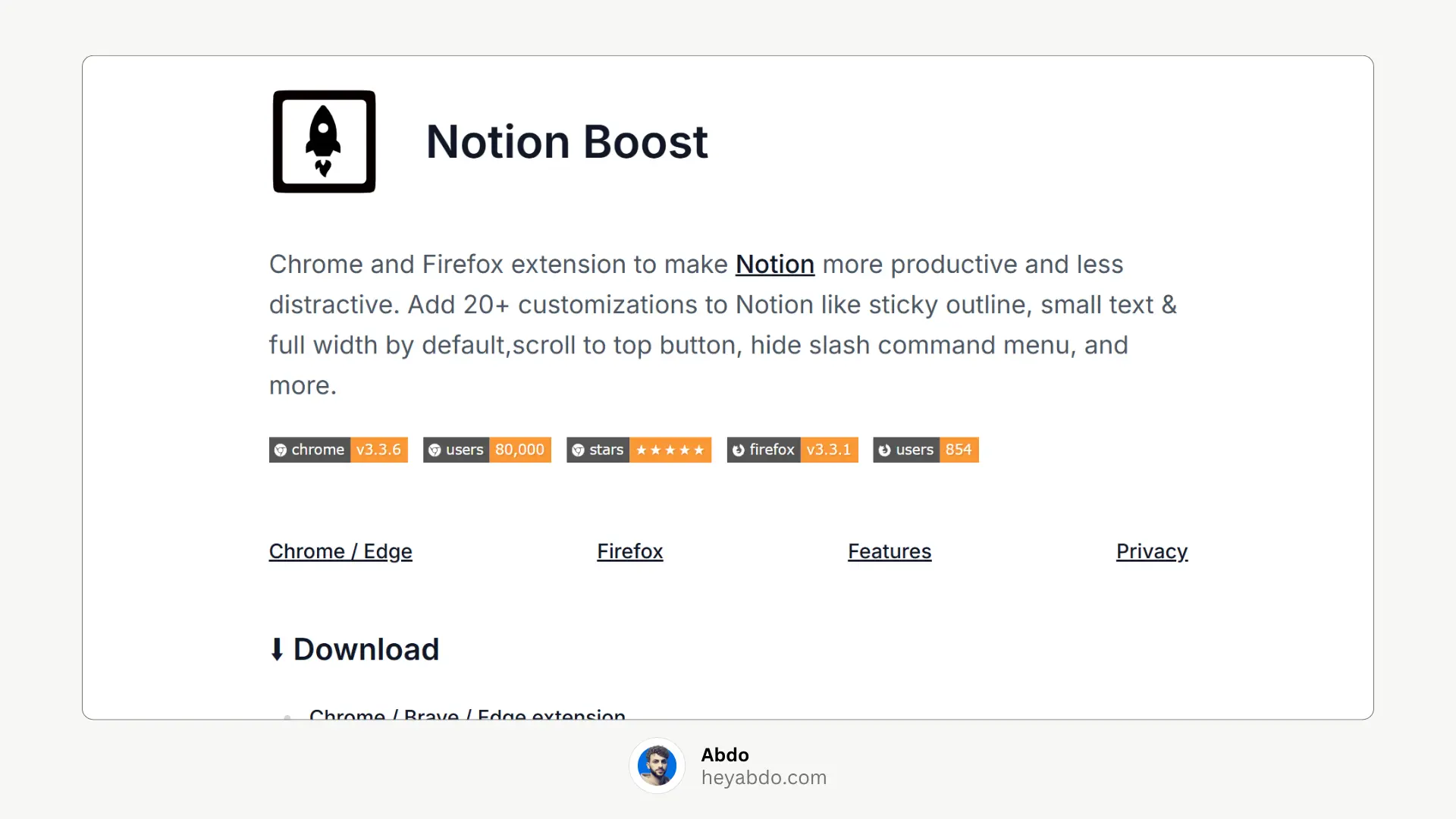
Best for: Enhancing Notion’s native interface
Notion Boost doesn’t save content to Notion — instead, it improves how Notion looks and behaves inside Chrome.
Add custom fonts and themes
Sticky table headers and scroll tweaks
Keyboard shortcuts and hidden UI toggles
✨ If you use Notion daily on desktop, this one’s a must.
5. Instant Notion
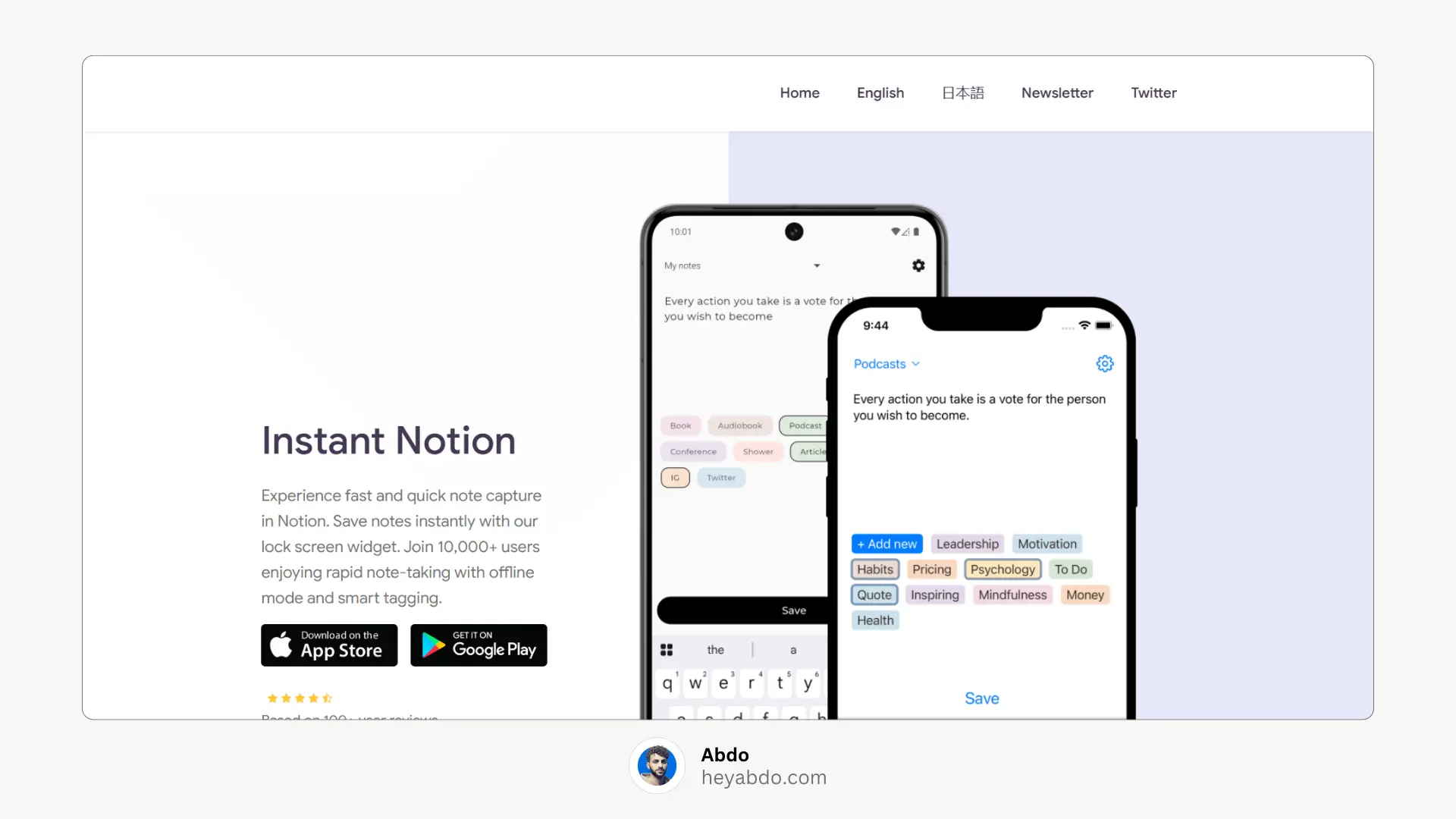
Best for: Offline quick capture
Still waiting for full offline mode? Instant Notion bridges the gap.
Capture notes offline
Syncs automatically when back online
Add tags, database mapping, and formatting
✈️ Perfect for travel or spotty connections.
6. Save to Reader (by Readwise)
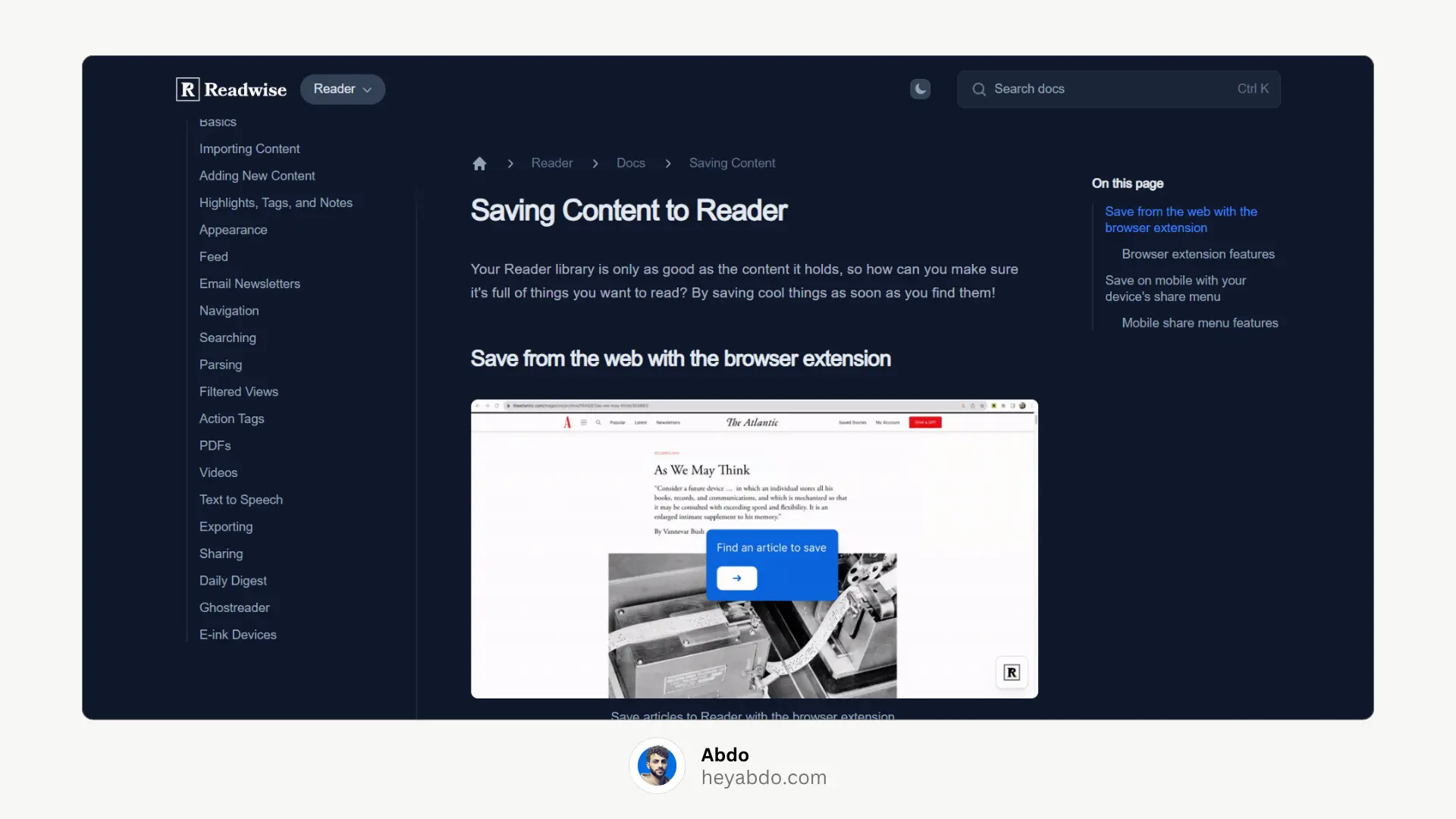
Best for: Researchers and readers
While not a Notion-specific extension, Readwise Reader integrates beautifully with Notion.
Save articles or PDFs
Highlight text and auto-export to Notion
Sync reading notes automatically
📚 Combine this with your Notion Second Brain template for effortless knowledge management.
7. Notion+ Enhancer
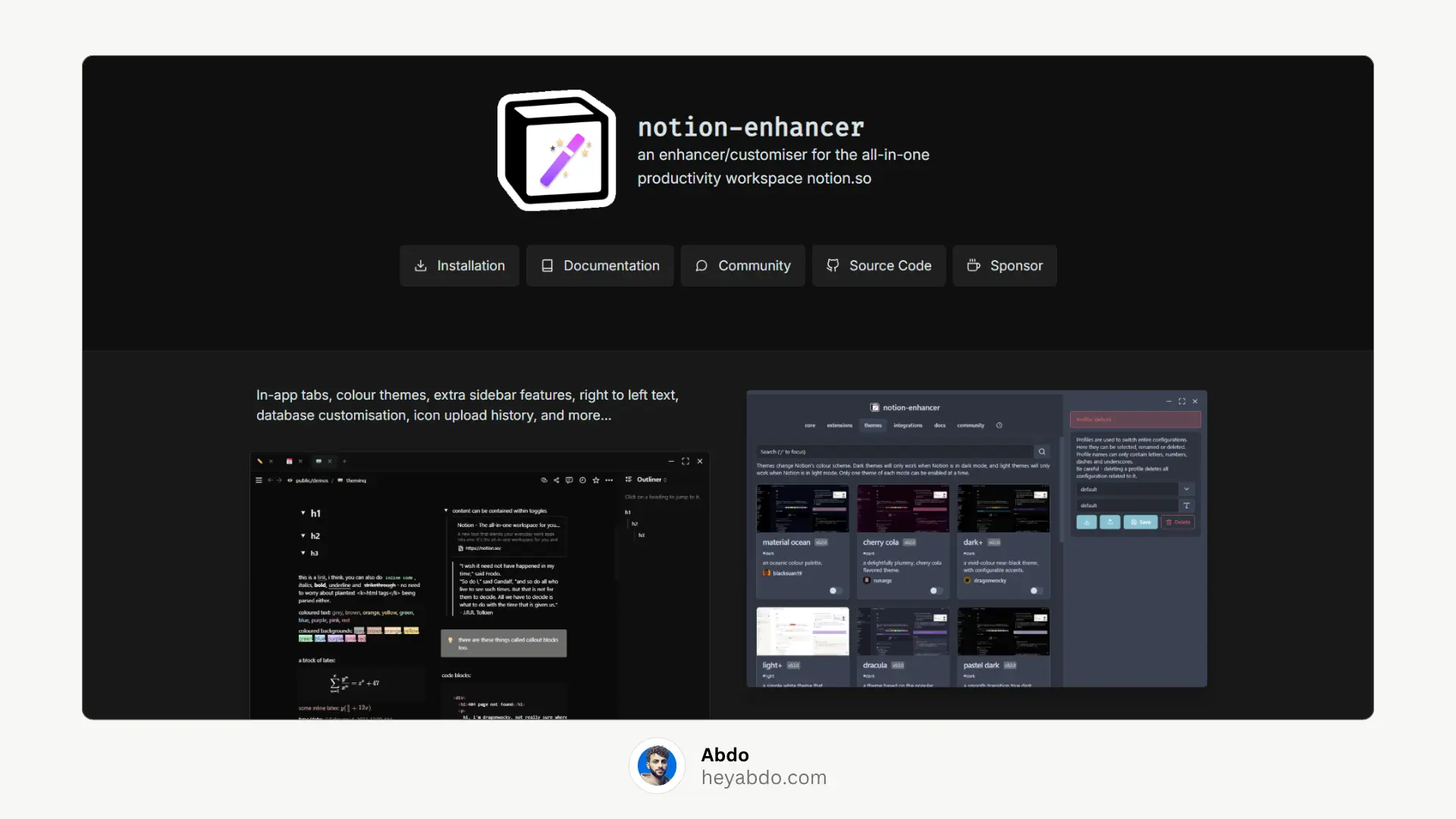
Best for: Power users and developers
An open-source project that extends Notion with new features.
Adds sidebar themes, tabs, and page-wide search
Supports custom scripts
Great for developers who want full control
🧑💻 Warning: Use carefully — unofficial add-ons may break after major Notion updates.
How to Choose the Right Notion Extension
Quick answer: Pick the one that matches how you use Notion daily.
Use Case | Best Extension |
|---|---|
Save links & notes | Save to Notion |
Read & highlight | Flylighter / Readwise |
Offline capture | Instant Notion |
UI customization | Notion Boost |
🪄 Bonus: How to Set Up a Quick Capture Shortcut (Under 2 Minutes)
Want to capture ideas even faster? You can combine Chrome extensions with Notion’s new Shortcuts Integration on desktop.
Create a “Quick Capture” database in Notion
Use Save to Notion → choose that database
Pin the extension to Chrome toolbar
Add a keyboard shortcut (Chrome > Extensions > Keyboard Shortcuts)
Now, just hit your keys and boom your thought is in Notion.
1. Save to Notion
Best for: Advanced clipping and data capture
The classic, community-favorite Chrome extension for Notion users.
Save any web page, highlight, or image directly to a Notion database
Customize what database fields (properties) are filled
Create forms for quick capture
Works with multiple databases
💡 Pro tip: Perfect for content creators tracking articles, videos, or inspiration sources.
2. Official Notion Web Clipper
Best for: Simple, official integration
Notion’s own browser extension for Chrome.
Save any web page to your workspace with one click
Automatically includes title + URL
Syncs instantly with your Notion account
⚠️ Limitation: Minimal customization — good for basic use, but not flexible.
3. Flylighter (by Thomas Frank & Team)
Best for: Research and highlighting
This extension lets you highlight and save key sections from web pages to Notion.
Highlight content and auto-save to a database
Automatically detects and organizes repeated structures (e.g., product specs, blog posts)
Perfect for students, researchers, and writers
🎥 Use case: Highlight quotes or data while researching — they’ll appear organized in Notion.
4. Notion Boost
Best for: Enhancing Notion’s native interface
Notion Boost doesn’t save content to Notion — instead, it improves how Notion looks and behaves inside Chrome.
Add custom fonts and themes
Sticky table headers and scroll tweaks
Keyboard shortcuts and hidden UI toggles
✨ If you use Notion daily on desktop, this one’s a must.
5. Instant Notion
Best for: Offline quick capture
Still waiting for full offline mode? Instant Notion bridges the gap.
Capture notes offline
Syncs automatically when back online
Add tags, database mapping, and formatting
✈️ Perfect for travel or spotty connections.
6. Save to Reader (by Readwise)
Best for: Researchers and readers
While not a Notion-specific extension, Readwise Reader integrates beautifully with Notion.
Save articles or PDFs
Highlight text and auto-export to Notion
Sync reading notes automatically
📚 Combine this with your Notion Second Brain template for effortless knowledge management.
7. Notion+ Enhancer
Best for: Power users and developers
An open-source project that extends Notion with new features.
Adds sidebar themes, tabs, and page-wide search
Supports custom scripts
Great for developers who want full control
🧑💻 Warning: Use carefully — unofficial add-ons may break after major Notion updates.
How to Choose the Right Notion Extension
Quick answer: Pick the one that matches how you use Notion daily.
Use Case | Best Extension |
|---|---|
Save links & notes | Save to Notion |
Read & highlight | Flylighter / Readwise |
Offline capture | Instant Notion |
UI customization | Notion Boost |
🪄 Bonus: How to Set Up a Quick Capture Shortcut (Under 2 Minutes)
Want to capture ideas even faster? You can combine Chrome extensions with Notion’s new Shortcuts Integration on desktop.
Create a “Quick Capture” database in Notion
Use Save to Notion → choose that database
Pin the extension to Chrome toolbar
Add a keyboard shortcut (Chrome > Extensions > Keyboard Shortcuts)
Now, just hit your keys and boom your thought is in Notion.

About
Maximize your Notion
workflow
Maximize your Notion
workflow
help people get more out of Notion without the complexity. With over 50,000 downloads, my minimalist templates support Startups, students, creators, and entrepreneurs in organizing their life and work with ease.
FAQ
What is the best Notion extension for Chrome?
Is there an official Notion Chrome extension?
Can I use Notion extensions offline?
Are Chrome extensions safe for Notion?
How do I automate Notion with Chrome extensions?
Need a custom Notion system?
I build complete operating systems tailored to your business. Book a free 15-min call.
Book a Free Call →
Love it? Share it!



Need Something Custom?
Need a Custom Workspace?
We design and build complete Notion systems tailored specifically to your business — your clients, your services, your workflows. No generic templates.
We design and build complete Notion systems tailored specifically to your business — your clients, your services, your workflows. No generic templates.
Free 15-min strategy call included

Helping you manage your life and business in one place with Notion.
© 2026 Abdo. All rights reserved.
Helping you manage your life and business in one place with Notion.
© 2026 Abdo. All rights reserved.
Helping you manage your life and business in one place with Notion.
© 2026 Abdo. All rights reserved.