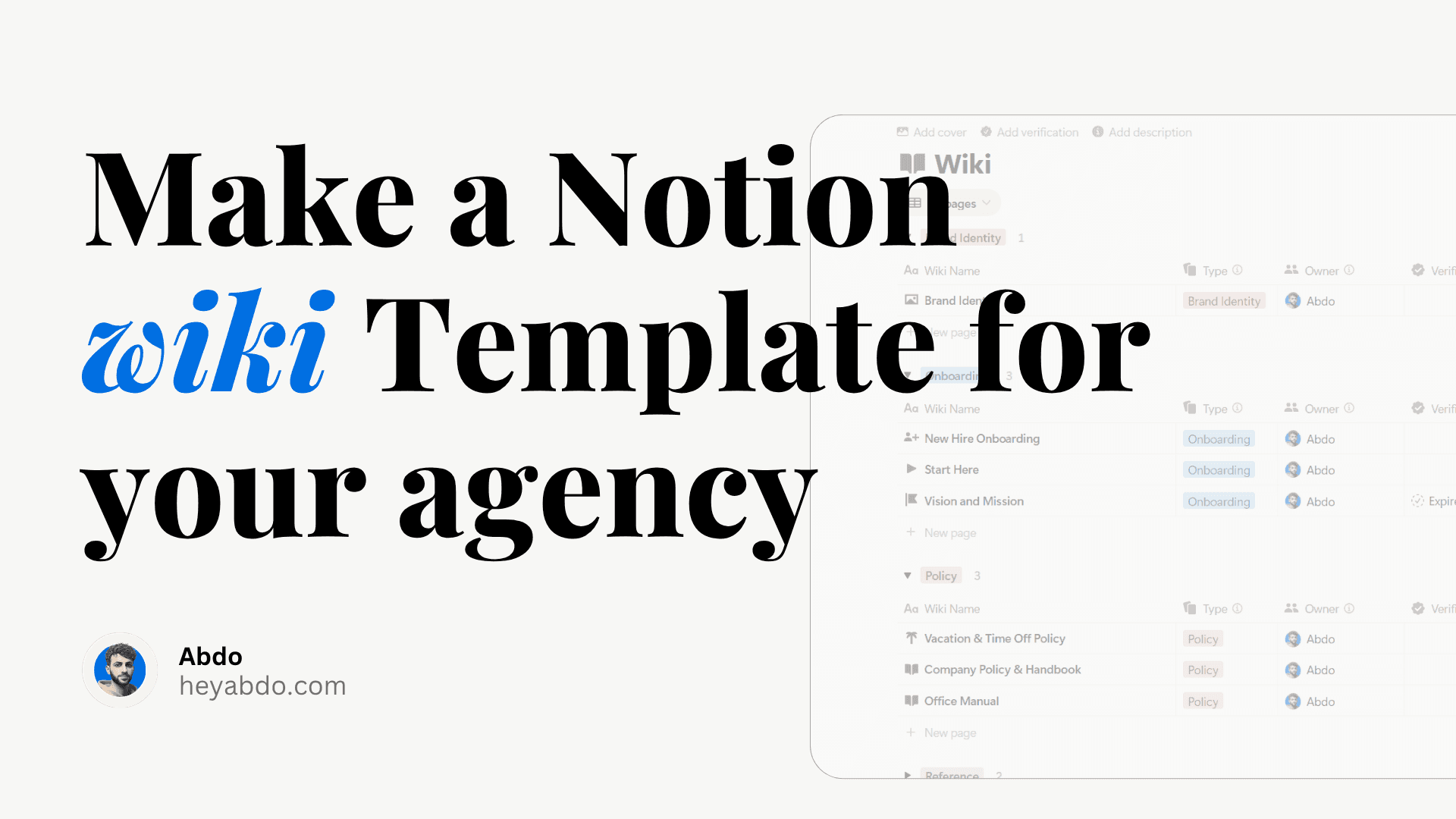
What I’d Do If I Had to Start from Scratch in Notion

What I’d Do If I Had to Start from Scratch in Notion

If I had to rebuild my Notion setup from scratch, I’d follow a simple 3-pillar framework. Here’s exactly how I’d set up Notion today (plus templates and consulting options to help you start faster).


Logo

By Abdo

Notion Tips

Notion Tips

Notion Tips

My Early Mistakes in Notion

When I first discovered Notion, I thought more was better.

  • Multiple dashboards.

  • Dozens of databases.

  • Constant theme changes.

The truth? My system was pretty — but unusable.
If I had to go back and start again, I’d do it completely differently.

My Early Mistakes in Notion

When I first discovered Notion, I thought more was better.

  • Multiple dashboards.

  • Dozens of databases.

  • Constant theme changes.

The truth? My system was pretty — but unusable.
If I had to go back and start again, I’d do it completely differently.

Start simple.​

One dashboard, not five. A central page with links to everything.

Build for function, not looks.​

A clean system > a pretty system. You can always add aesthetics later.

The 3-Pillar Framework for a Clean Notion Setup

1. A Central Dashboard Your “command center.”
Instead of 5 different dashboards, one main hub with links to everything else.

2. A Task & Project Manager
Track tasks, deadlines, and ongoing projects in one database. This keeps both work and life organized.

3. A Knowledge Hub
A place for notes, ideas, and resources. Think of it as your digital brain.

That’s it.
Three pillars — no chaos.

Why Simple Beats Complex

Most people break their Notion setup by overbuilding too soon.
A system that looks amazing but slows you down isn’t productivity — it’s decoration.
By keeping it simple, you make Notion something you use daily, not something you keep “fixing.”

Templates to Get You Started (Skip the Trial & Error)

To make this easier, I’ve turned my 3-pillar framework into ready-to-use paid templates.

Here are my Popular drops:

🟡 Startup OS

🟢 Human Resources Hub

🔵 Podcast OS

🔴 Second Brain OS

🟠 Reading OS

🟣 Consulting OS

🟢 Airbnb OS

🟡 Real Estate Agency

🔵 Real estate Investor OS

🟠 Property Management OS

Need Something More Custom?

Every workflow is unique. If you’d rather have Notion tailored to your exact needs, I offer 1:1 Notion consulting.
We’ll work together to design a system that actually fits how you work — not the other way around.

👉 Book consulting here

Final Thoughts

If I had to start from scratch in Notion, I wouldn’t build more.
I’d build less but better.

And with the right templates or a personalized system, you can skip the mistakes I made and go straight to productivity.

Start simple.​

One dashboard, not five. A central page with links to everything.

Build for function, not looks.​

A clean system > a pretty system. You can always add aesthetics later.

The 3-Pillar Framework for a Clean Notion Setup

1. A Central Dashboard Your “command center.”
Instead of 5 different dashboards, one main hub with links to everything else.

2. A Task & Project Manager
Track tasks, deadlines, and ongoing projects in one database. This keeps both work and life organized.

3. A Knowledge Hub
A place for notes, ideas, and resources. Think of it as your digital brain.

That’s it.
Three pillars — no chaos.

Why Simple Beats Complex

Most people break their Notion setup by overbuilding too soon.
A system that looks amazing but slows you down isn’t productivity — it’s decoration.
By keeping it simple, you make Notion something you use daily, not something you keep “fixing.”

Templates to Get You Started (Skip the Trial & Error)

To make this easier, I’ve turned my 3-pillar framework into ready-to-use paid templates.

Here are my Popular drops:

🟡 Startup OS

🟢 Human Resources Hub

🔵 Podcast OS

🔴 Second Brain OS

🟠 Reading OS

🟣 Consulting OS

🟢 Airbnb OS

🟡 Real Estate Agency

🔵 Real estate Investor OS

🟠 Property Management OS

Need Something More Custom?

Every workflow is unique. If you’d rather have Notion tailored to your exact needs, I offer 1:1 Notion consulting.
We’ll work together to design a system that actually fits how you work — not the other way around.

👉 Book consulting here

Final Thoughts

If I had to start from scratch in Notion, I wouldn’t build more.
I’d build less but better.

And with the right templates or a personalized system, you can skip the mistakes I made and go straight to productivity.

FAQ

What is the best way to set up Notion from scratch?
How do I organize my Notion workspace?
Do I need templates to use Notion effectively?
What is the most important page to have in Notion?
Can I hire someone to customize Notion for me?

Need a custom Notion system?

I build complete operating systems tailored to your business. Book a free 15-min call.

Book a Free Call →

Love it? Share it!

Read next

More from the blog.

All Posts →

All Posts →

Notion Airbnb system

Case Study

Mar 30, 2026

How to Manage Multiple Airbnb Properties in Notion (The System That Actually Scales)

Read more →

Case Study

Mar 18, 2026

How to Manage Solar Installation Projects in Notion (Without Spreadsheets or WhatsApp)

Read more →

Notion Ai Tutorial

Notion Ai

Oct 27, 2025

Comprehensive Guide to Notion AI 2025

Read more →

Notion Airbnb system

Case Study

Mar 30, 2026

How to Manage Multiple Airbnb Properties in Notion (The System That Actually Scales)

Read more →

Case Study

Mar 18, 2026

How to Manage Solar Installation Projects in Notion (Without Spreadsheets or WhatsApp)

Read more →

Need Something Custom?

Need a Custom Workspace?

We design and build complete Notion systems tailored specifically to your business — your clients, your services, your workflows. No generic templates.

We design and build complete Notion systems tailored specifically to your business — your clients, your services, your workflows. No generic templates.

Free 15-min strategy call included

© 2026 Abdo. All rights reserved.

© 2026 Abdo. All rights reserved.

© 2026 Abdo. All rights reserved.